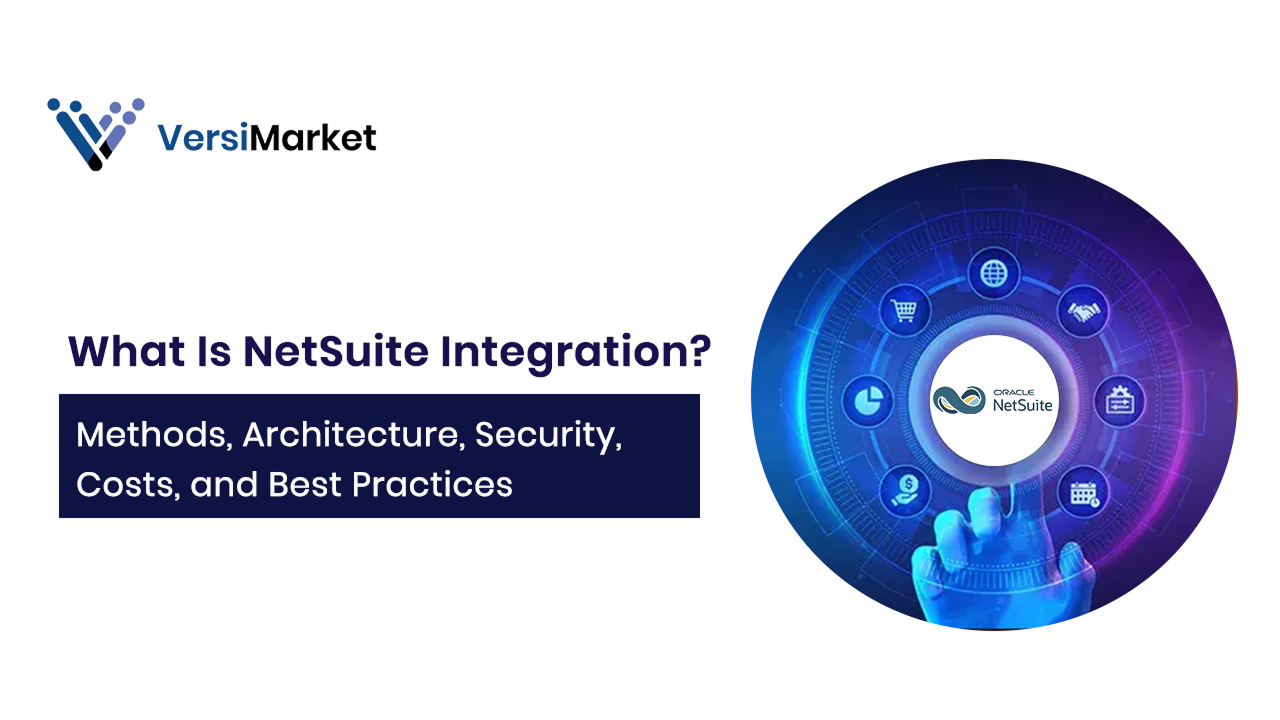
The what is NetSuite integration question is central for enterprises adopting Oracle NetSuite ERP. Integration connects NetSuite with other systems ERP integration CRM, ecommerce, payroll, and BI, ERP integration so that data flows seamlessly across business units. Without it, organizations face silos, duplicate data, and manual processes. For enterprises in the US, UK, and UAE, NetSuite integration ensures automation, accuracy, and scalability. In this guide, we’ll explore integration methods, strategies, use cases, and best practices.
What Is NetSuite Integration?
NetSuite integration enables one way or multi-directional data synchronization between NetSuite ERP and external systems. Its purpose is to:
- Eliminate manual data re-entry.
- Automate business processes.
- Provide accurate reporting across departments.
- Improve communication with customers, partners and vendors.
Common NetSuite Integration domains include:
- CRM (e.g., Salesforce, HubSpot).
- Ecommerce/marketplaces (Shopify, Amazon).
- Logistics and 3PLs.
- Payments and payroll (e.g., Paycom).
- Data warehouses and BI tools (Power BI, Snowflake, NetSuite Analytics Warehouse (NSAW)).
The business benefits of NetSuite integration are significant: faster processes, fewer errors, better partner collaboration, and actionable analytics from unified data.
Official NetSuite Integration Options
1. CSV Import Assistant
Best suited for small to medium data volumes or ad hoc loads. Users can map fields, save jobs, and schedule recurring imports. CSV imports can also be invoked programmatically.
2. SuiteTalk SOAP Web Services
SOAP APIs offer a mature, schema based interface supporting most record types. Ideal for large or ongoing integrations where strong typing and language/tool support are priorities.
3. SuiteTalk REST Web Services
Modern REST APIs simplify integration with JSON payloads and metadata driven record access. They natively support custom fields and records, reducing the need for custom code.
4. RESTlets
Custom endpoints built with SuiteScript, exposed over HTTP. RESTlets allow bespoke logic, complex transformations, and lightweight JSON based interactions with token based authentication.
When do I use each of the Integration Options?
- CSV: Use the csv import assistant for initial loads, small volumes, or periodic batch updates.
- SOAP or REST: Use SOAP or REST APIs for continuous, high-volume syncs or broader record coverage.
- RESTlets: Use when custom business logic must run server side.
- Hybrid: Many organizations pragmatically combine methods depending on the data domain.
This flexible approach helps ensure integration remains cost-effective and reliable across business needs.
Build vs. Buy ERP integration – How Enterprises Integrate NetSuite
When organizations integrate NetSuite, they typically choose between:
- Custom Builds: Direct APIs or RESTlets for specific needs. Flexible but requires skilled developers.
- Prebuilt Connectors: Solutions for HubSpot NetSuite integration, Paycom NetSuite integration, or Shopify orders. Faster, cost-effective ERP integration is effective and supported.
- iPaaS Platforms: Integration Platform as a Service (Celigo, Boomi, MuleSoft) for hub ERP integration-based orchestration across multiple systems.
Each option has trade ERP integration offers in cost, control, and scalability. here
Reference Architectures and ERP Integration Strategy
A successful ERP integration strategy considers architecture from the outset:
- PointERP integration to ERP integration: Direct links between systems. Suitable for limited integrations, but it becomes complex quickly.
- HubERP integration and ERP integration Spoke (iPaaS): A centralized integration platform manages all data flows. Easier to scale and govern.
Choosing the right strategy reduces costs and ensures sustainable integration.
Performance and Governance Limits
Integration performance is governed by NetSuite’s concurrency and usage limits.
- Concurrency Governance: NetSuite limits concurrent API calls per account/license. Plan for queueing, retries, or purchasing additional capacity. iPaaS tools often help orchestrate throughput.
- Throughput Realities: Large payloads or complex objects slow processing. Design incremental syncs, use filters, and implement idempotency to stabilize flows.
This is especially important when evaluating ERP integration strategy at scale.
Data Modeling and Mapping
- External IDs: Standardize unique identifiers to maintain joins across systems and support upserts.
- Transformation: Normalize enums, statuses, and currencies. Map custom fields explicitly using REST metadata or SOAP schema browser.
By managing mapping carefully, organizations achieve reliable ERP data integration and prevent duplicate records.
Error Handling and Monitoring
- Retries and Dead Letter Queues: Use exponential backoff and capture failed records with detailed context for reconciliation.
- Observability: Monitor metrics like latency, queue depth, success/failure counts. Centralized logging ensures faster troubleshooting.
Without robust monitoring, even integrations like NetSuite Salesforce integration or NetSuite QuickBooks Integration can break silently and affect downstream business processes.
Common Use Cases of NetSuite Integration
Salesforce Integration with NetSuite
Salesforce integration with NetSuite syncs leads, opportunities, orders, and invoices. Whether using MuleSoft or custom APIs, this ensures sales and finance work from the same data.
HubSpot NetSuite Integration
HubSpot NetSuite integration aligns marketing with ERP. Campaign data flows into NetSuite for ROI tracking and customer lifecycle analysis.
Paycom NetSuite Integration
Payroll data syncs with finance through Paycom NetSuite integration, reducing reconciliation time and errors.
Shopify and E-commerce
Does Shopify integrate with NetSuite? Yes. Orders, customers, and inventory can flow biERP integration directionally, ensuring fulfillment efficiency.
Analytics with Power BI
Can you integrate NetSuite with Power BI? Absolutely. Using ODBC or APIs, enterprises build advanced dashboards combining ERP and external data.
Finance with QuickBooks
Does NetSuite integrate with QuickBooks? Yes, though usually in transitional scenarios. It allows companies moving from QuickBooks to NetSuite to maintain continuity during migration.
These scenarios show why NetSuite ERP integration is essential for enterprises managing multiple systems.
Data and Analytics
Data warehouses and BI tools (Power BI, Snowflake, NetSuite Analytics Warehouse (NSAW)) can be integrated with NetSuite through connectors or data warehouse pipelines. ETL/ELT processes extract NetSuite data for advanced BI.
Logistics and 3PLs
NetSuite also supports integration with logistics and 3PLs to:
- Exchange ASN, shipping confirmations, and returns data.
- And must be designed with retries and async handling for partner outages.
These scenarios highlight how companies integrate NetSuite to support critical business processes.
Cost Ranges and Budgeting
Various Integration has different cost, highlighted below are the integration options and their cost ranges
- Custom Builds: High upfront costs for developers and consultants, plus ongoing maintenance.
- Prebuilt Connectors: Lower initial cost, but subscription fees apply. Validate they support your customizations.
- iPaaS Solutions: Higher subscription plus setup costs, but ROI improves with multiple integrations and centralized monitoring.
Organizations should weigh cost against reliability, scalability, and governance. Integration is rarely a “set and forget” exercise.
Pitfalls and How to Avoid Them
- Overusing admin permissions → Fix with least privilege roles.
- Ignoring concurrency limits → Fix with batching, retries, or capacity planning.
- Hardcoding environment IDs → Fix with dynamic configs and versioned APIs.
- Skipping idempotency → Fix with external IDs and duplicate check routines.
Enterprises can avoid failed netsuite ERP integration projects by addressing these pitfalls proactively.
Implementation Checklist
- Define integration domains, ownership, and SLAs.
- Select approach (CSV, SOAP, REST, RESTlets) per domain.
- Create integration roles with least privilege permissions.
- Build mappings and transformations with external IDs.
- Implement retries, dead letter queues, and reconciliation.
- Set up monitoring and alerts.
- Test with realistic volumes before cutover.
Conclusion
The question isn’t just what is NetSuite integration, but how to do it right. With methods ranging from CSV and SOAP to REST and RESTlets, enterprises have multiple options. Choosing the right architecture point to point or hub and spoke depends on scale, cost, and governance needs. By aligning authentication, data modeling, and monitoring with best practices, organizations unlock the full value of integration: automation, accuracy, and visibility.
Whether you’re planning NetSuite Salesforce integration, syncing payroll via Paycom, or exploring ERP integration strategy with Power BI and ecommerce platforms, the right design decisions make integration a long term enabler rather than a bottleneck.
Join VersiMarket Today

At VersiMarket, we connect enterprises with certified NetSuite consultants and developers who specialize in NetSuite integration.
- For Businesses: Hire vetted experts for Salesforce, Shopify, Paycom, and Power BI integrations.
- For Consultants: Join our platform to offer NetSuite development and integration services to global clients.
Join VersiMarket today and ensure your ERP integration strategy delivers measurable ROI.